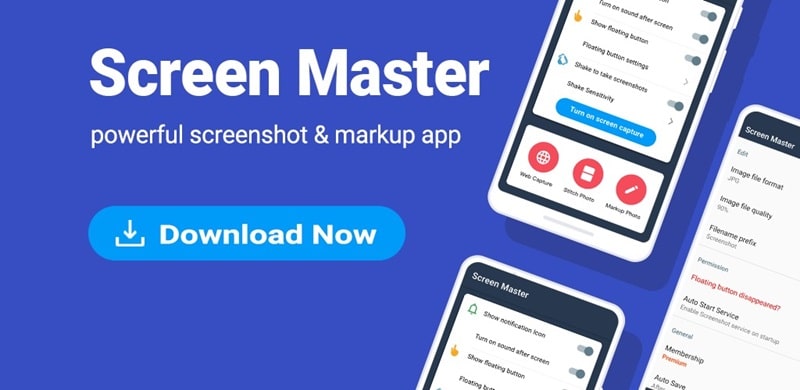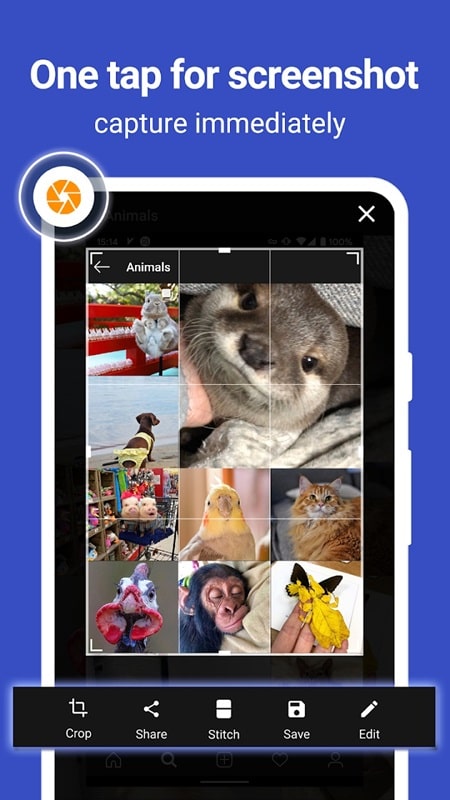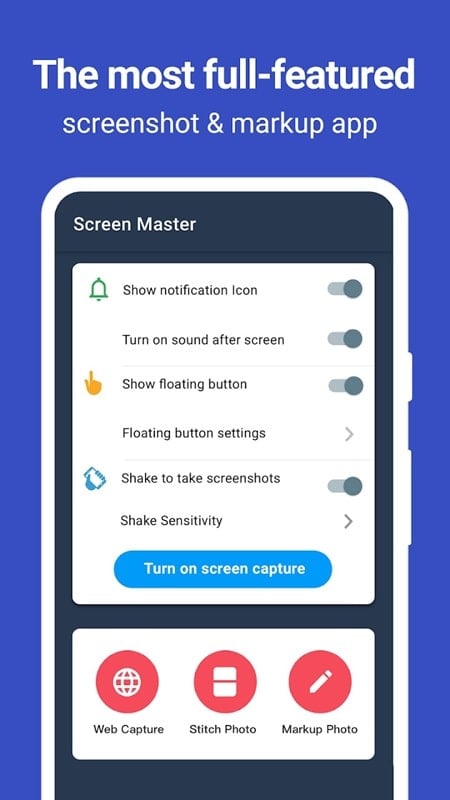

ScreenMaster is the ultimate tool for all your screenshot needs, making it easier than ever to capture and edit images on your device screen. With convenient shortcut buttons and a variety of editing tools, you can quickly customize your screenshots to suit your style and personality. Say goodbye to low-quality images with this app, as it allows you to take high-resolution screenshots of anything from web pages to games. Plus, set up shortcuts for even faster operation, ensuring you never miss a moment. Experience the convenience and efficiency of ScreenMaster for all your screen-related tasks and elevate your digital experience to new heights.
Features of ScreenMaster:
Easily take high-quality screenshots
Edit screenshots with modern tools
Additional Features of ScreenMaster:
Create customizable notes on images
Set up convenient shortcuts for quick operations
Capture and edit images from any screen
Enhance productivity and professionalism with ease
Conclusion:
In conclusion, ScreenMaster offers a user-friendly interface with a variety of features to enhance your screenshot-taking experience. With customizable notes, shortcut buttons, and high-quality image options, this app is sure to streamline your screen-related tasks and boost your productivity. Download now to simplify your on-screen operations and showcase your creativity with ease.
Additional APP Information
Version
1.8.0.26
Size
16.00M
Language
English
Rating
4.4
Package Name
pro.capture.screenshot
Developer
Blossgraph