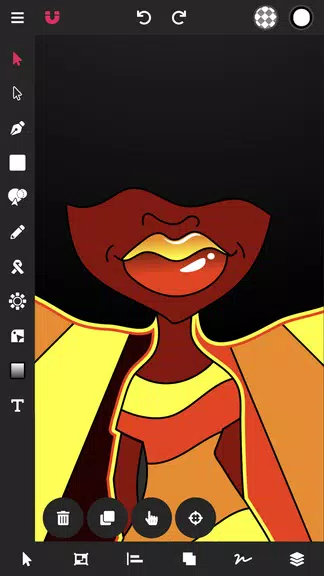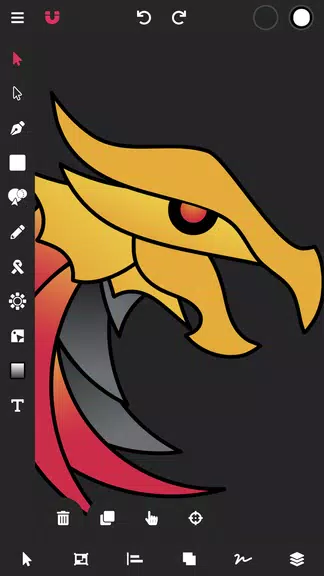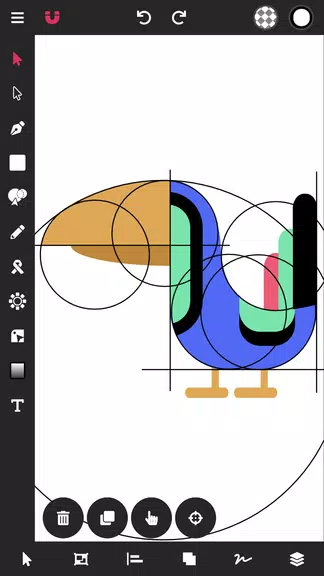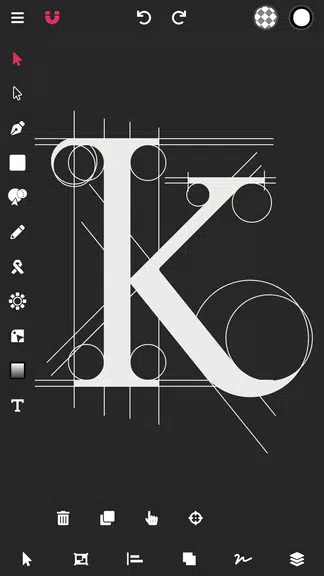

Looking for a game-changing vector graphic design app for your Android device? Vector Ink is the ultimate solution. With this innovative app, your design process will become seamless and efficient. Whether you're working on graphic design, logos, illustrations, or business materials, Vector Ink has got you covered. With advanced features like the Path Builder Tool and Digital Stylus, you can easily create precise and professional designs in no time. Say goodbye to hours of struggling with the pen tool - Vector Ink simplifies the design process so you can bring your creative ideas to life effortlessly. Get ready to revolutionize your design workflow with Vector Ink.
Features of Vector Ink: SVG, Illustrator:
⭐ Advanced Tools: Vector Ink offers a wide range of advanced tools such as the Draw Tool, Path Builder Tool, Gradient Tool, and more, allowing users to create intricate designs with ease.
⭐ Smart Functionality: The app features smart guides and stabilizers to help users draw freehand with precision, as well as automatic path joining and shape building for seamless design creation.
⭐ Built-in Virtual Stylus: Vector Ink comes with built-in virtual stylus technology, enabling users to draw with their fingers on their devices without the need for a physical stylus.
⭐ Color Palette Editor: With multiple color picker options, linear and radial gradient styles, and a color palette generator, users can easily create and manage their own color palettes for stunning designs.
Playing Tips for Vector Ink: SVG, Illustrator:
⭐ Utilize the Path Builder Tool to merge and create complex shapes quickly and accurately.
⭐ Experiment with the Distribute Tool to evenly space and arrange shapes in various layouts.
⭐ Take advantage of the built-in Digital Stylus for precise drawing and design tasks on touch screen devices.
⭐ Explore the Gradient Tool and Color Pickers to add depth and dimension to your designs with different color combinations.
Conclusion:
Vector Ink: SVG, Illustrator is an essential vector graphic design app for Android that offers a wide range of advanced tools, smart functionality, and intuitive features for creating stunning designs effortlessly. With a built-in virtual stylus, color palette editor, and various design tools, users can bring their creative ideas to life with precision and ease. Download Vector Ink now and unlock your creative potential on the go!
Additional APP Information
Version
1.0.3
Size
16.00M
Language
English
Rating
4.2
Package Name
com.app.vectorink
Developer
Vector Ink LLC